
Legal, ethics and OPSEC
UserSearch is a paid, credit-metered OSINT platform that queries real third-party data sources and returns real personal data about real people. That single fact shapes this page. Whether you are running your first username lookup or your thousandth case, you are handling other people’s personal information — and, in most places, that carries legal and ethical duties that sit with you, not with the tool.
This page is written for all three kinds of reader: the first-timer who wants reassurance they are allowed to do this, the investigator who needs a defensible workflow, and the admin who owns the account’s exposure. Read the section that fits your situation, but do not skip the responsibilities that apply to everyone.
The core principle: the tool does not grant you authority
Section titled “The core principle: the tool does not grant you authority”UserSearch gives you access to data. It does not give you authority to collect it, a lawful basis to process it, or permission to act on it. Those come from your role, your jurisdiction, and your purpose — and they are yours to establish before you search.
A useful way to hold this:
- Access is not permission. Being able to look someone up is not the same as being allowed to.
- Found is not proven. A result that says an account was Found means an identifier was located on a site — not that it is definitely the person you have in mind. (See Match accuracy below.)
- You are the data controller. For the searches you run and the results you keep, you decide the purpose and means — which in most data-protection regimes makes the responsibility yours.
Lawful basis: decide why before you search
Section titled “Lawful basis: decide why before you search”Every search should have a reason you could state out loud and defend. Different readers formalise this differently:
- First-timers — a personal-safety check (vetting a match, a buyer, a landlord, a caregiver) or tracing a scam that targeted you is usually a legitimate personal reason. Looking someone up out of curiosity, to monitor an ex, or to intimidate is not, and in many places is unlawful.
- Investigators — your lawful basis (legitimate interest, contract, legal obligation, consent, or a statutory investigatory power) should be established and, ideally, recorded before collection begins.
- Admins — the team should have a written, agreed set of permissible purposes, and a way to show which purpose each search served.
What you are actually handling
Section titled “What you are actually handling”The data that flows back through UserSearch is not abstract. Depending on the Search type and Module you use, a single search can surface:
- Real names, locations, and linked social or dating accounts (people- and identity-enrichment data sources).
- Email and phone metadata, and the services an address is registered with.
- Breach and leak records — that an identifier appears in known data breaches (breach-corpus data sources such as IntelX, Dehashed, and HaveIBeenPwned).
- Corporate, sanctions, and court records tied to a named person or entity.
- Images and face matches, and photo-geolocation inferences.
Every one of those is personal data about a living person who has not consented to your search. Handle it accordingly: collect the minimum you need, keep it only as long as your purpose requires, and protect it while you hold it.
Match accuracy is not proof of identity
Section titled “Match accuracy is not proof of identity”Match Accuracy is the platform’s most dangerous number, because every reader is tempted to over-read it.
- Match Accuracy is set by the third-party data source, not computed by UserSearch. The figure shown against a result is the data source’s own confidence, and different data sources mean different things by it. (per Lee, 2026-07-08)
- Found means an identifier was located on a site — an account exists there. Enriched means UserSearch holds further metadata on that account (possible names, linked emails, and so on). Neither is a confirmed identification. (per Lee, 2026-07-08)
- A single Connection between two identifiers is a lead to verify, not a proven fact.
The ethical failure mode here is the false positive: reading a partial or low-confidence match as a confirmed identity and acting on it — contacting, accusing, publishing, or making a decision about a real person who may be the wrong person entirely. For a first-timer this can mean confronting an innocent stranger; for an investigator it can mean a non-defensible finding with real legal and safety blast radius.
PII handling: minimise, limit, retain no longer than needed
Section titled “PII handling: minimise, limit, retain no longer than needed”Three habits carry most of the data-protection weight:
- Data minimisation. Search for what your purpose needs and no more. Fanning out with OneScan across every data source, or running wide Bulk search lists “just in case,” collects far more PII than most purposes justify — and, on dynamic-cost searches, spends more than you meant to.
- Purpose limitation. Data collected for one reason should not be quietly reused for another. If the purpose changes, re-check your lawful basis.
- Retention. Keep results only as long as your stated purpose requires, then delete them. Exported Reports and saved Cases are copies of other people’s PII that outlive the search — govern them like the sensitive records they are.
Forensic Mode is a before-you-search decision
Section titled “Forensic Mode is a before-you-search decision”If your output may ever need to be defended — to a client, a court, an employer, or an auditor — the integrity of the collection matters as much as the result.
Forensic Mode is a decision you make before you collect, not an export button you press afterwards. Enabling it after the fact does not retroactively make earlier searches defensible. Turn it on, save to a Case, then search.
Access, sharing, and account security
Section titled “Access, sharing, and account security”Once results exist, the risk shifts from collection to exposure. A leaked case is a leak of a third party’s PII, and it is the highest-severity failure an account can suffer.
- Case sharing. A Case can be private or shared. Understand what a public share exposes before you use it — a case set public exposes live search data and the PII inside it. Protect shared cases with the private key and case passwords, and treat those secrets like the keys to the evidence they are: losing a private key can lock your team out of its own case.
- Team access. Admins should provision seats deliberately through My Team and know what each member can see. Access to sensitive casework should follow need, not convenience.
- Account security. Enable 2FA. An account that holds other people’s PII and casework without it is one password away from a breach. Know the account-closure and data-deletion path before you need it.
The audit trail
Section titled “The audit trail”Accountability depends on being able to show who searched what, and when. History records search and login activity, which is the backbone of an internal audit and of answering a “who ran this?” question later.
OPSEC: operational security for the searcher
Section titled “OPSEC: operational security for the searcher”OPSEC is about protecting yourself and the integrity of your search while you work. This is general practitioner guidance, not a product feature list.
- Assume the target may be reachable. Some data sources aggregate already-public information passively, while others may interact with live infrastructure. Because the collection posture of each data source is not yet confirmed in these docs, do not assume a given search is invisible to the person you are looking up. If it matters that your interest stays unknown, treat that assumption conservatively.
- Separate your identities. Keep investigative work off your personal accounts, devices, and networks. Do not log in to a target’s world with the same identity you use for personal life.
- Protect the results, not just the account. Exports, screenshots, and reports are the most portable form of the PII you collected. Store them encrypted, share them over controlled channels, and delete them when done.
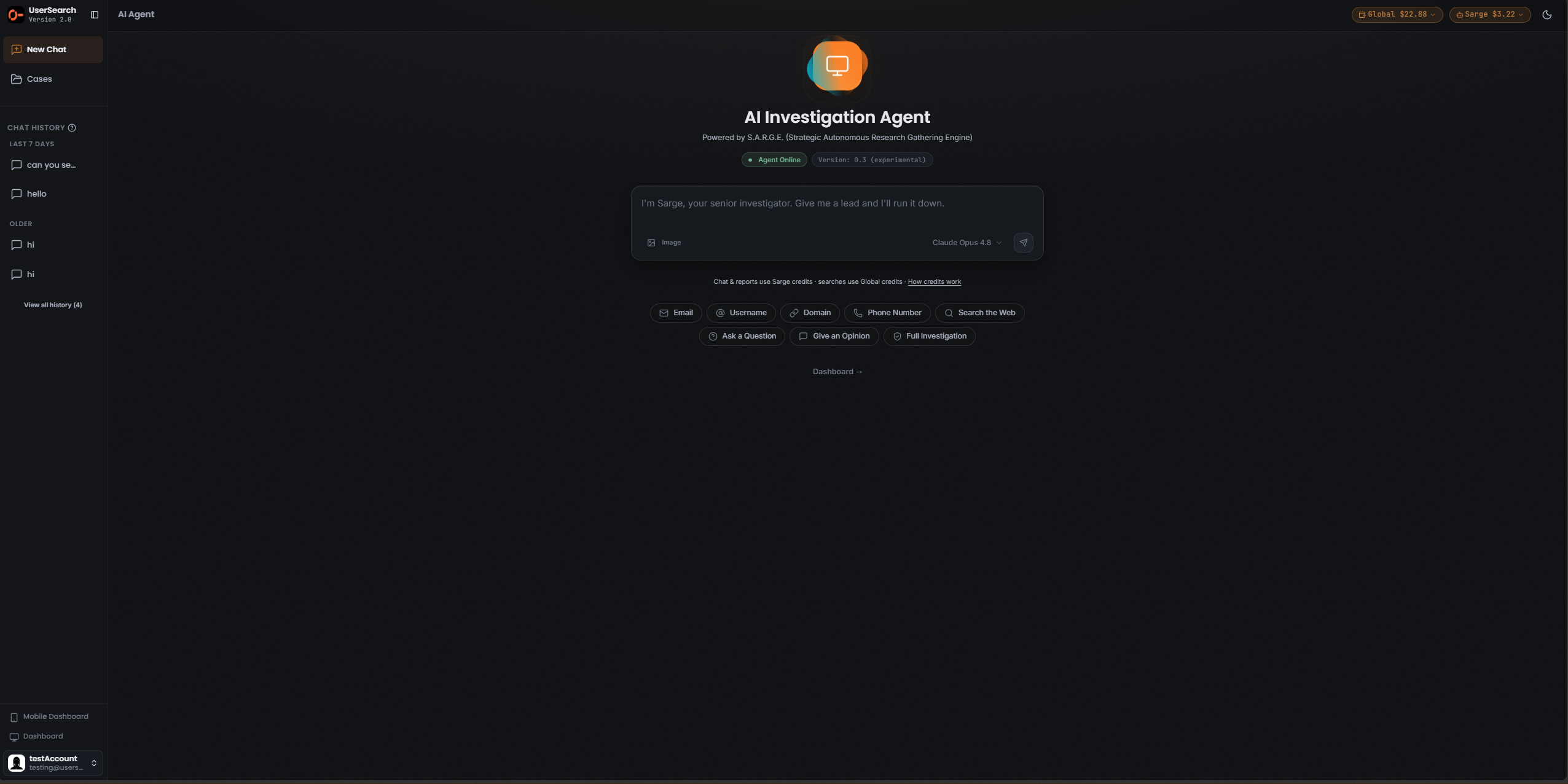
- Mind the AI surface. When you use the AI Agent (S.A.R.G.E.), you are passing data to a model backend. The platform surfaces a consent step before AI features run.
Third-party data sources and compliance
Section titled “Third-party data sources and compliance”Because UserSearch routes queries to external data sources, those data sources process data on your behalf — which matters for data-protection paperwork.
- Admins responsible for compliance should be able to produce the third-party services list — which data sources process data — for Data Processing Agreements and vendor-risk review.
- Around 35 distinct third-party data sources are named across the platform’s surface; treat that as a lower bound, since some Search types may reference additional data sources off-screen.
A short checklist before you search
Section titled “A short checklist before you search”- Purpose — can you state, and if needed record, why you are searching?
- Basis — do you have a lawful basis, and is this a regulated decision that needs more?
- Minimise — is this the narrowest search that meets your purpose?
- Forensic Mode — if the output must be defensible, is it on before you collect?
- Verify — will you corroborate any match before acting on it?
- Protect — do you know where the results will live, who can see them, and when they get deleted?
Verified against UserSearch v2.0.20